Preferences and settings
Both pages are in the navigation pane, with Storage. Each has a filter at the top, showing the sections whose title, labels, help or choices have the words typed ("dark" finds Theme).
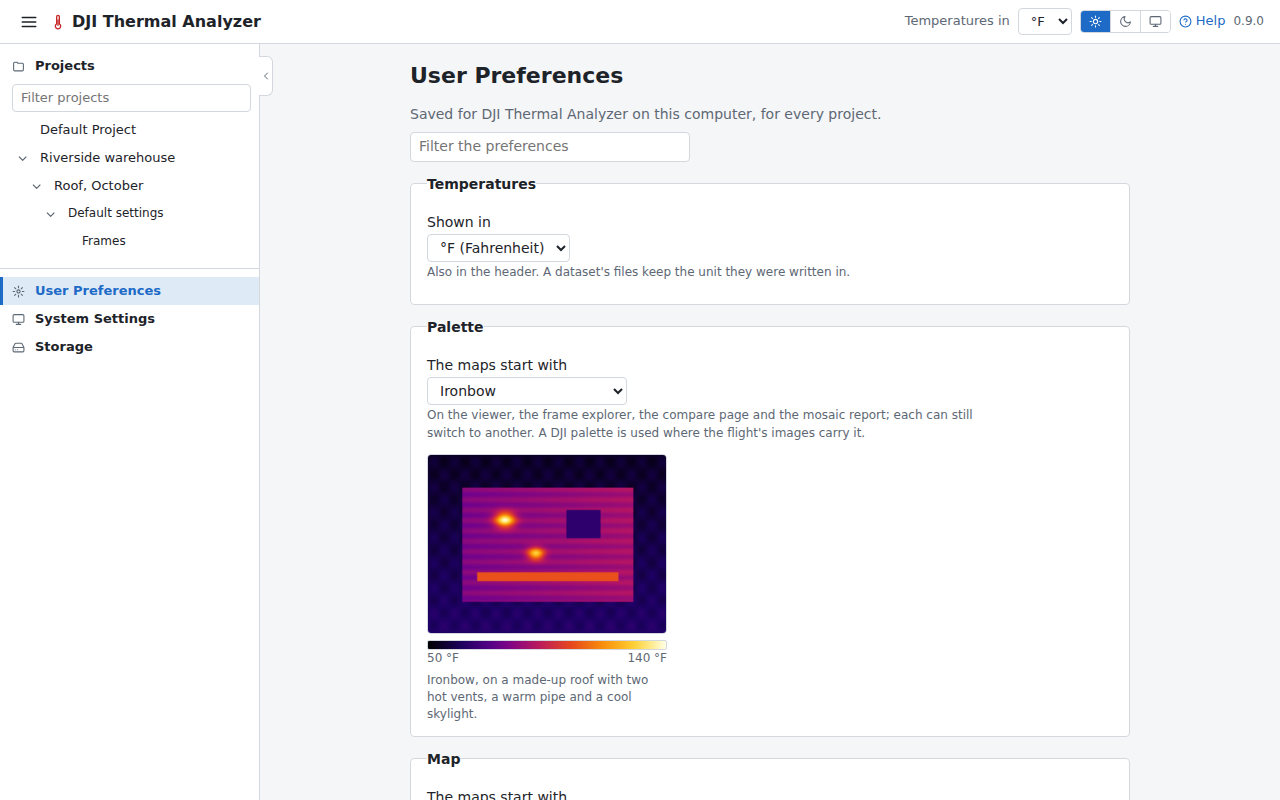
User Preferences
In the order the page has them:
- Temperatures: the unit, °F, °C or K. Also in the header.
- Palette: the palette the map pages start with: each flight's images' own, or one chosen. The viewer, the frames explorer, the compare page and the mosaic report open with it, and can still switch. A small made-up roof beside it shows the palette chosen.
- Map: the map every map starts with: ESRI Satellite, OpenStreetMap, Mapbox Satellite once it has a token, or none. Each map can still switch, and a Mapbox that refuses its token goes back to ESRI Satellite. See The maps under the mosaics.
- Theme: light or dark pages, or the computer's own. Also in the header.
- Dates and times: the locale they are written in: the computer's, or one chosen.
A flight's capture times are shown in the time where it was flown, labelled with its time zone (for example UTC−5), found from the frames' two clocks. A flight analyzed by an earlier version of the app is analyzed again for it.
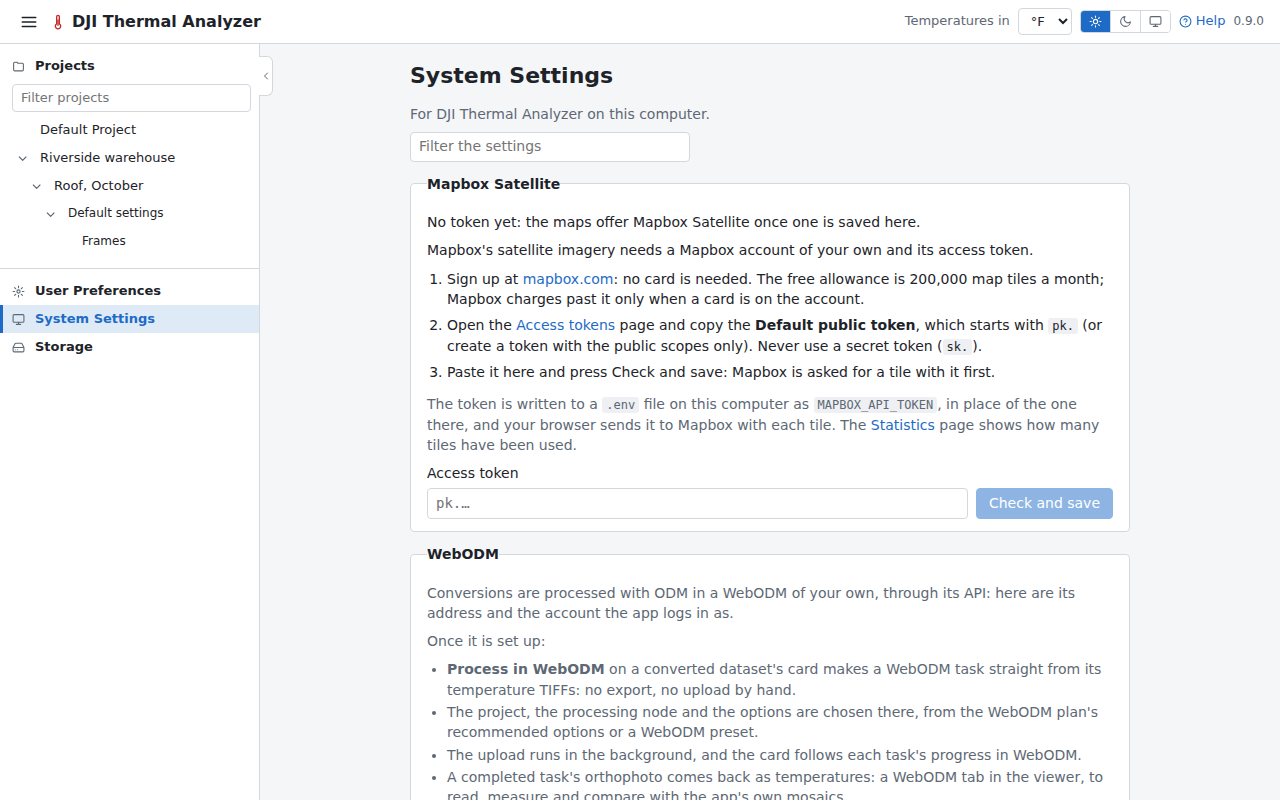
System Settings
- Mapbox Satellite: the Mapbox token (see The maps under the mosaics).
- WebODM: its address and login, or an account created there with a WebODM admin's login, with a short list of what connecting it brings (see WebODM).
- A link to Storage.